Editorial team ·
Which ‘Read more’ opens the timetable? Test the link names
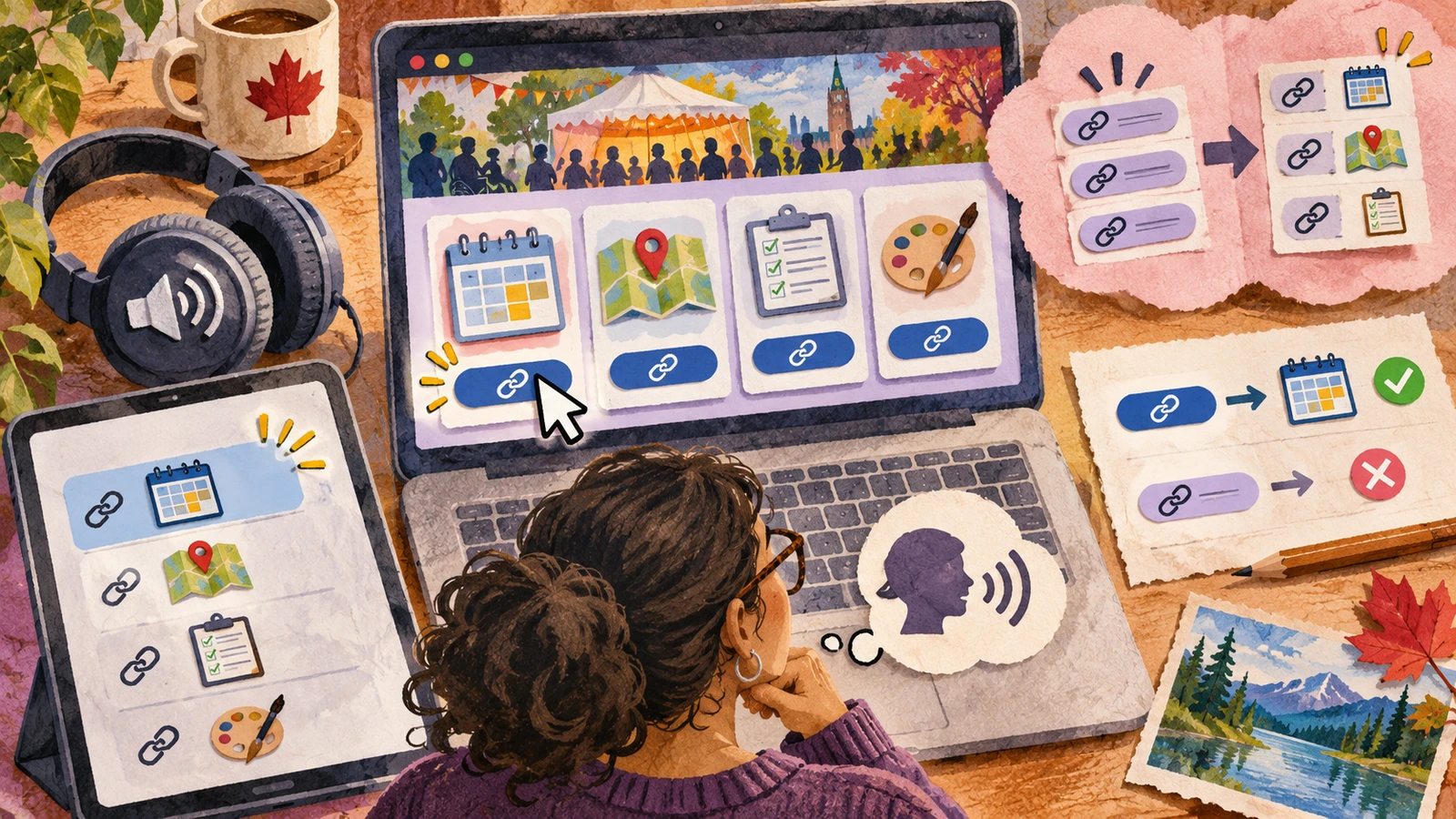
A community page has four cards and every card ends with “Read more.” Visually, the heading above each link helps. In a list of links, those four entries can sound identical. Read the names out loud and see whether you can choose the one that opens the timetable.
Make the destination part of the name
| Destination | Before | A clearer name |
|---|---|---|
| Class times | Read more | View the workshop timetable |
| Venue map | Read more | Open the venue map |
| Joining details | More | Read the registration details |
The page in the example offers a timetable, a map, and registration details. Giving the timetable link the text “View the workshop timetable” lets a reader make the choice before opening a new page.
Check the accessible name that the browser exposes. A visual label, an icon title, or a script can affect what gets read. When the label is visible, keep that wording in the accessible name so someone who gives voice commands can use the words they see.
Use the screen reader’s list of links as one test, then read the card in context. The standard about link purpose also considers context that software can determine. Standalone descriptive names are often simpler on repeated cards.
Click or activate the updated links in a practice run. Good wording still has to match the destination. “Download the schedule” should lead to the download or an accurate explanation of the next step.
Listen to the links after the change
- Compare links that sit near each other
- List their names as a screen reader exposes them.
- Look for repeated names that lead to different places.
- Retest the destination
- Check that the visible label is part of the spoken name.
- Activate the link and compare its wording with what opens.
Questions and answers
- Do identical links always require different names?
- If they take people to the same destination for the same purpose, the same wording can be helpful.
- Must the name include the full heading?
- Use enough of the heading to make the destination clear. A short, specific phrase often works.
- Can I rely on the surrounding card?
- Check what context is available to assistive technology. Test what someone hears as they move through the links.