Can you open the accordion without touching the mouse?
Test an expandable help section using Tab, Enter, and Space. Check what changes on the screen and what a screen reader announces.
Test an expandable help section using Tab, Enter, and Space. Check what changes on the screen and what a screen reader announces.
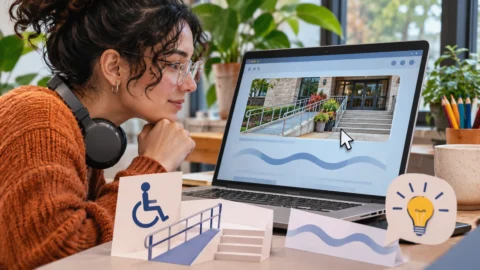
Decide what an image contributes next to the surrounding text. Three examples show how a meaningful description changes with the context.
Check whether a page still works at a narrow CSS width, and identify which element makes text or controls disappear outside the viewport.
Compare the states of a practice grid and check whether its selection, keyboard focus, and unavailable options are clear without relying on colour alone.
Review a three-tab practice panel at phone width. Check that the active label and its panel stay in sync when you change tabs and enlarge text.
Test saving, loading, and results-count messages without moving focus. Record what appears and what assistive technology announces.
Capture the last focused item in a drawer, close it, and track where keyboard focus returns at phone width. The example gives a repeatable route.
Turn one crowded form into a report that names the build, the failed task, and a concrete pass condition for the next design review.
Choose a short regression route after an interface redesign. Cover common tasks, raised zoom, and the edge states that the old layout handled.
Use enlarged text to check a crowded settings view. Log whether labels, controls, and confirmation messages remain available throughout a short task.