Editorial team ·
What to retest when the page looks brand new
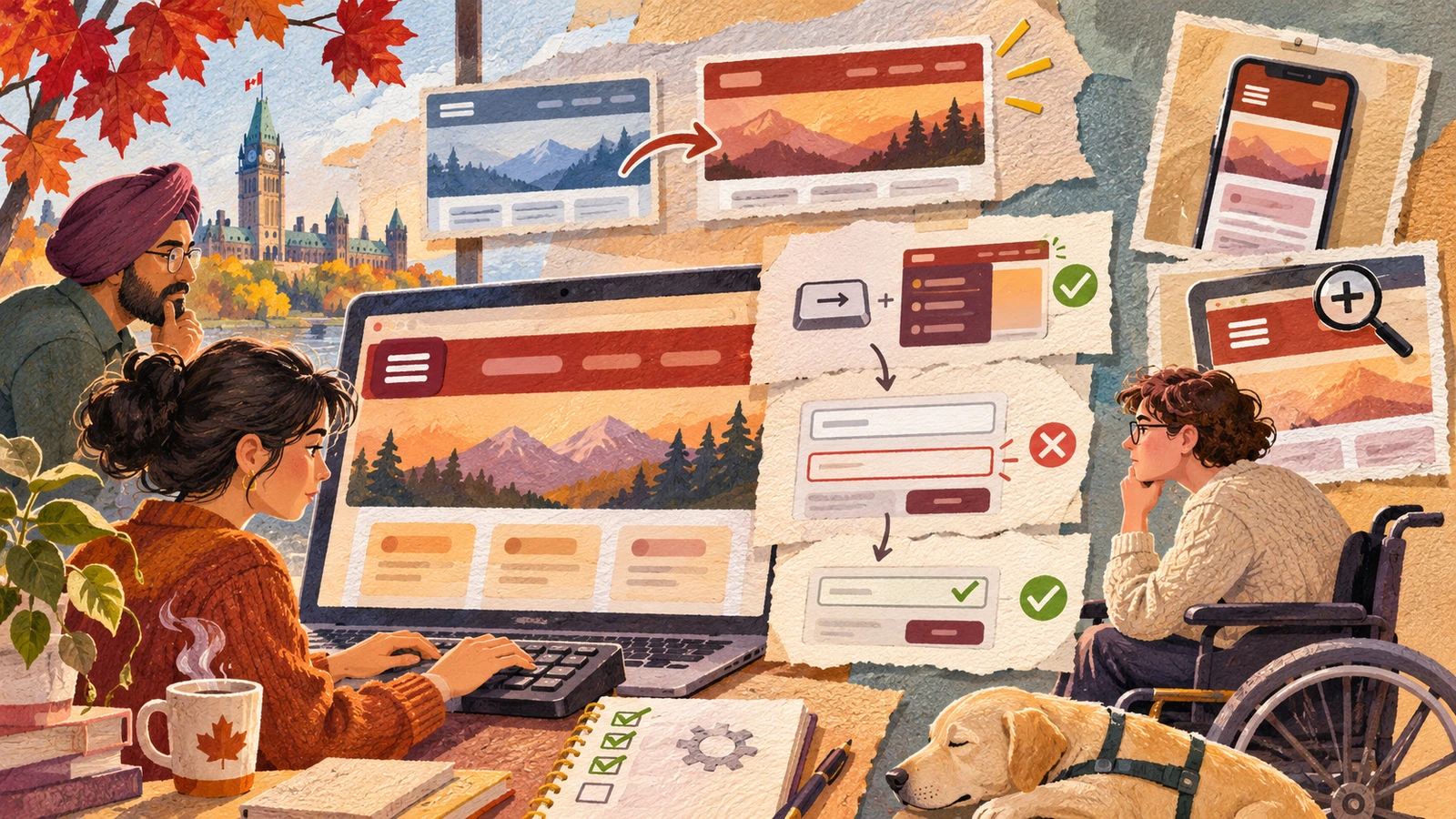
The new theme has warmer colours and a roomier header. Everyone can open the homepage. Now try the tasks that depend on what the redesign changed: opening the menu, reading the form, and saving an update. Include one case where the task goes wrong, because fresh screens often look best in the default state.
Save the original path and repeat it
- Choose routes from the changes
- List components that moved or changed behaviour.
- Select one everyday task and one error state.
- Record results for the next release
- Run the same setup before and after when possible.
- Save a passing route alongside any new issues.
Pick routes that cross the changed components
The practice redesign changes the header, settings cards, and a form action bar. Make a short route that uses each piece. Start with the menu using the keyboard, then move to the form and submit it without a required field.
Follow up at phone width and at larger zoom. Check what wraps, what stays visible, and where focus lands when a drawer closes. Use the same task so the result says something about the redesign, rather than about a different page.
If you have a reproducible result from the earlier release, compare it with the new one at the same width and zoom. Record precise changes, such as “Close now returns focus to Browse” or “Email error is hidden by the new footer.”
Choose at least one real item of content with an awkwardly long name. The smallest demo item can fit everywhere while the actual page shows a clipped date, title, or label. Note which example you used for the next run.
| Changed part | Task | State to include |
|---|---|---|
| Header | Open Browse, pick a link, then return | Keyboard at phone width |
| Form | Submit with a blank required field | Error with enlarged text |
| Save controls | Correct and submit the form | Confirmation with a screen reader |
Questions and answers
- Is the homepage enough for a quick check?
- Open the home page and follow the affected tasks. Some failures only show up after a menu opens or a form reports an error.
- Do I need to test every browser first?
- Begin with the supported setup you can reproduce and expand coverage using the project’s browser list.
- What if the old release is gone?
- Record the new release as the baseline and preserve a repeatable route for the next change.