Editorial team ·
The mobile menu closes. Where did keyboard focus go?

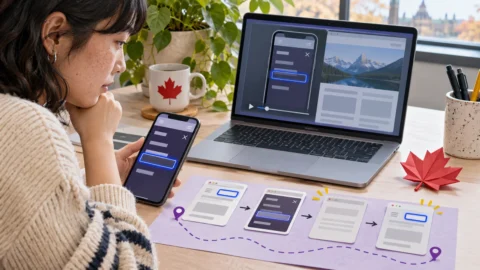
You read the last link in a mobile menu, press Escape, and the drawer disappears. The next Tab lands in the footer. To see where things went wrong, record the focus before closing, right after closing, and on the next key press. The middle step is easy to overlook.
Catch the exact moment after closing
On the practice page, Tab to Browse and open its drawer. Once you reach the Events link, pause long enough to see the focus indicator. Press Escape. Check the browser’s focused element before touching Tab again, because the first press can hide where focus originally went.
In the fictional bug, the browser focus falls back to the document when the drawer is removed. The next Tab reaches a footer link. The intended return point in this example is Browse, the button that opened the drawer.
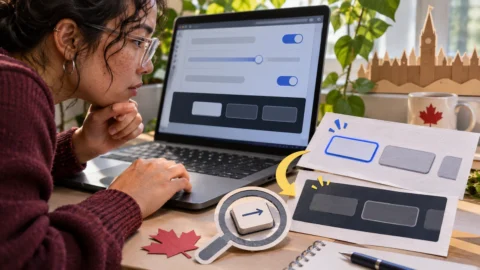
Try the Close button separately. If Escape returns to Browse and Close loses focus, the two paths give the team something precise to compare. Check what should happen after you select a navigation link too, since that action can move you to different content.
Include viewport, zoom, and browser, then attach a short clip or write down the focus sequence. When you retest the fix, take the same route from the same starting point.
| Moment | Focus before the fix | Expected in this example |
|---|---|---|
| Before close | Events link in drawer | Events link in drawer |
| Immediately after Escape | Document | Browse button |
| Next Tab | Footer link | Next control after Browse |
Repeat with the other ways out of the drawer
- Make the transition visible
- Start at the drawer’s launch button.
- Record focus right before and after closing.
- Try the other closing control
- Repeat with the labelled Close button.
- Give the two paths separate steps if the results differ.
Questions and answers
- Should focus always go to Browse?
- In this example, closing dismisses the drawer and returns to its launch button. Choosing a destination can require a new focus target.
- How do I check focus if there is no outline?
- Inspect the focused element in the browser or check what the screen reader reports before pressing the next key.
- Why keep the cursor still?
- It helps you follow the keyboard path and keeps pointer interactions from changing the state you are trying to reproduce.