Editorial team ·
What to capture when an accessibility test goes wrong
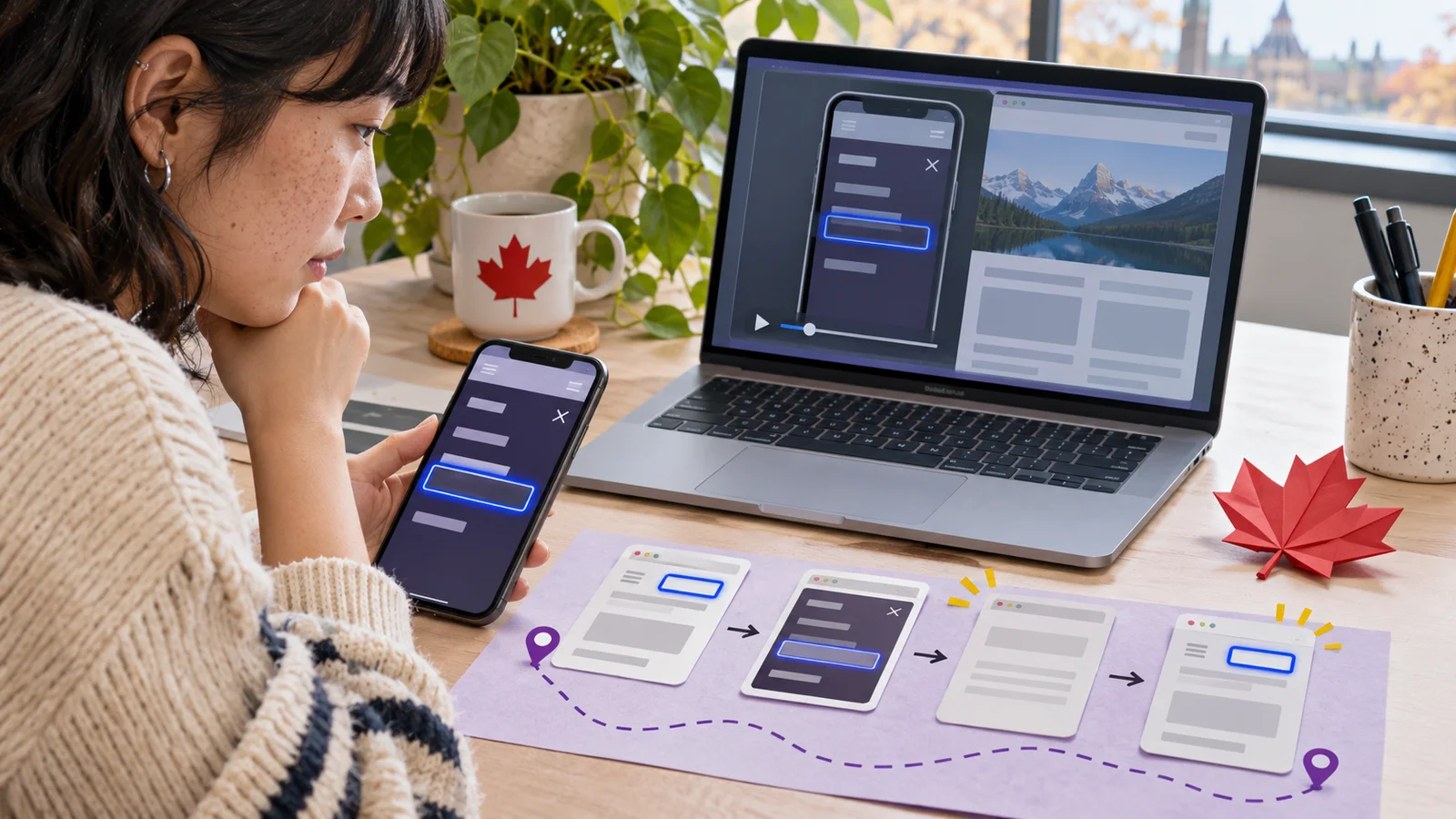
You tell a designer that the mobile menu felt broken. It opens fine in their browser. A better starting point is the task that failed: “Open the menu at phone width, move to Events, then close it and try to continue from that spot.” Now you have something to run together.
Show the result where it happened
- Write the setup before the steps
- Record the route and the input method.
- Name the point where focus or reading starts.
- Attach evidence for the failed part
- Include the last working step.
- Give a clear expected result for the retest.
Start with the task someone tried
Write down the tested page or build, browser, viewport, zoom, and the input method. Add the assistive technology if you used it. For the example below, the tester used a keyboard in Chrome on a 390 CSS pixel viewport.
Give the steps from a known state. The fictional menu opens from a button named “Browse,” contains an Events link, and closes with Escape. The problem begins on the next Tab press, when focus starts again near the top of the page.
A screenshot can show the viewport and the exposed menu. For a focus jump, record the sequence of controls or make a short clip with the focus highlight visible. That gives evidence about movement, not just the last frame.
Finish with what would let the person keep going. In the example, when the overlay closes, focus should return to the Browse button. A teammate can run the same route after the change.
| Report field | Example entry |
|---|---|
| Setup | Chrome, 390 CSS px, keyboard |
| Steps | Open Browse, Tab to Events, press Escape, press Tab |
| Observed | Focus goes back near the top of the page |
| Expected | Closing the overlay returns focus to Browse |
Questions and answers
- Should the report open with a standards reference?
- Start with what a person tried to do. Add the relevant criterion after you reproduce the issue.
- What if it only happens sometimes?
- Record the number of trials and the conditions you observed for each one.
- Can I put three issues into one report?
- For different triggers or expected results, write separate findings so each can be fixed and retested.