Editorial team ·
The keyboard is on the next button. Can you tell which one?
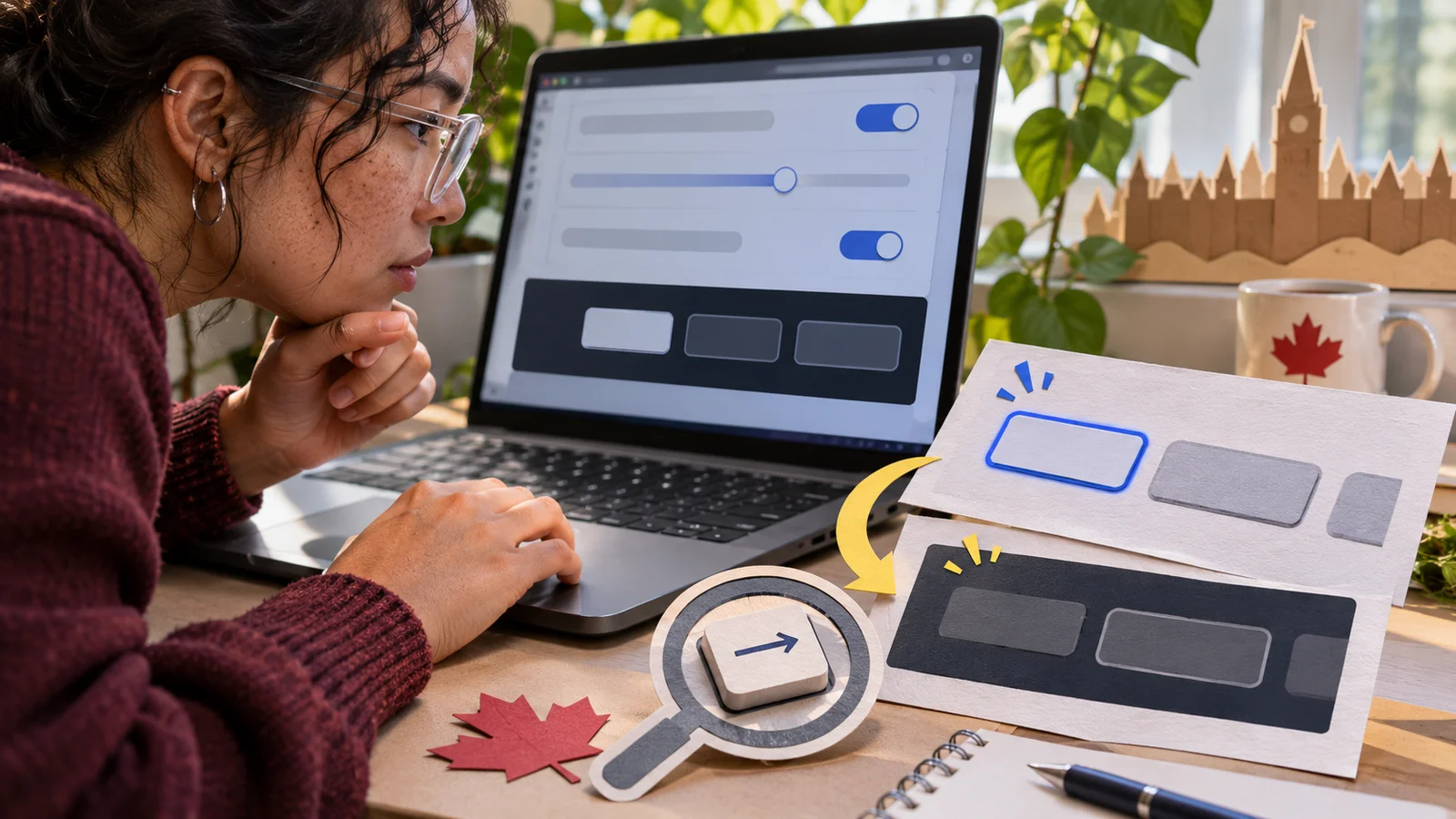
You press Tab twice in a settings panel. Something has focus, but all three buttons still look alike. Instead of sending the designer a shot of the whole panel, record how you reached the button and take a picture where the missing outline would be easy to see.
Check where the outline can disappear
- Write the starting conditions
- Record page, Chrome version, and zoom.
- List the keys from a known point.
- Give the designer a clear view
- Include the focused control and its background.
- For overlap, show the element blocking it.
Capture the moment focus arrives
Start from a step anyone can repeat, such as loading the settings page and pressing Tab from the address bar until the first control inside the panel. Write down the controls in order and identify the one with weak or missing focus.
In this example, Save is easy to find on white, but the outline disappears against the dark bar behind Cancel. Capture both states at the same zoom. Comparing the two pictures makes the difference plain.
Try the same sequence near a sticky header. If the entire focused button slides behind it, record the scroll position or include the header in the screenshot. A focus ring can be drawn correctly and still be covered.
Retest after the change and leave the mouse still so you can see the keyboard state on its own. Confirm that the highlight travels both forward and backward as you move through the example panel.
| Focus stop | What is visible |
|---|---|
| Save | Clear blue outline on white |
| Cancel | Outline blends into dark bar |
| Done | Button scrolls behind fixed header |
Questions and answers
- Should I click the button to show the issue?
- Follow the keyboard path that revealed the problem. A click can produce a different focus appearance.
- Is a colour change always enough?
- Check whether you can reliably identify the focused control in the context where it appears.
- What if the button is entirely behind the header?
- Record that separately from the outline appearance so the designer can reproduce the overlap.